

When you want to create a connection between Exact Online and an external web application, you can proceed as follows:
- You need to register with Clickker via the hyperlink you received by email!
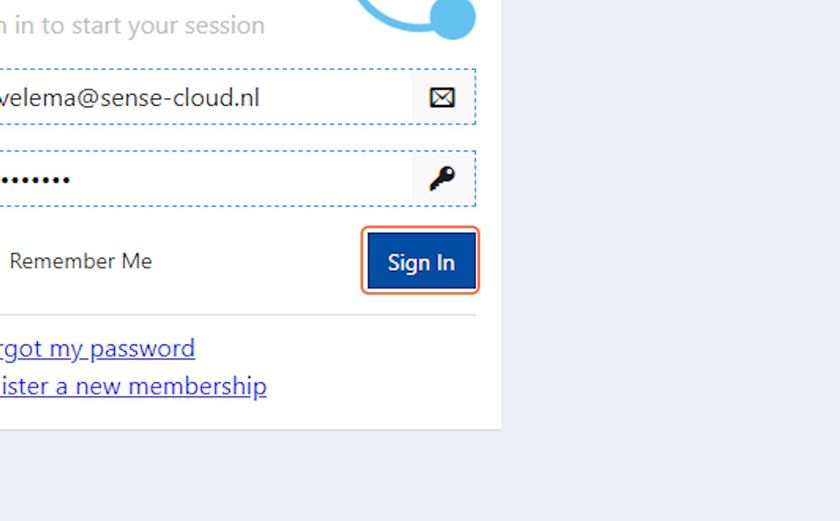
- Then log in with your login details you created in step 1 via: https://cloud.clickker.nl
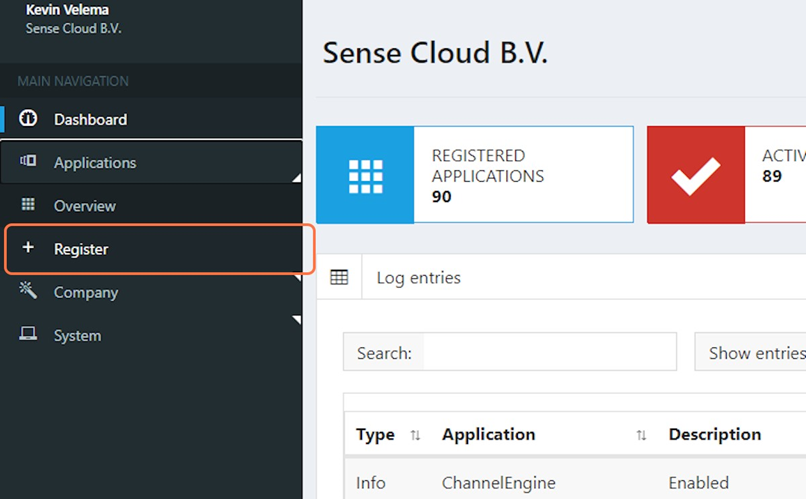
- After logging in, choose “Register”.”
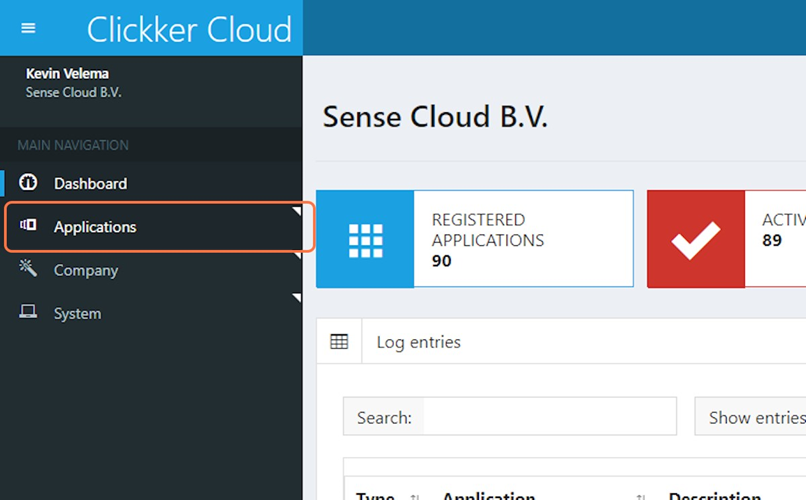
- Then click on “Applications”
- Then click on “Register” at Exact Online.
- Enter a name for your registration e.g. “Test B.V.”
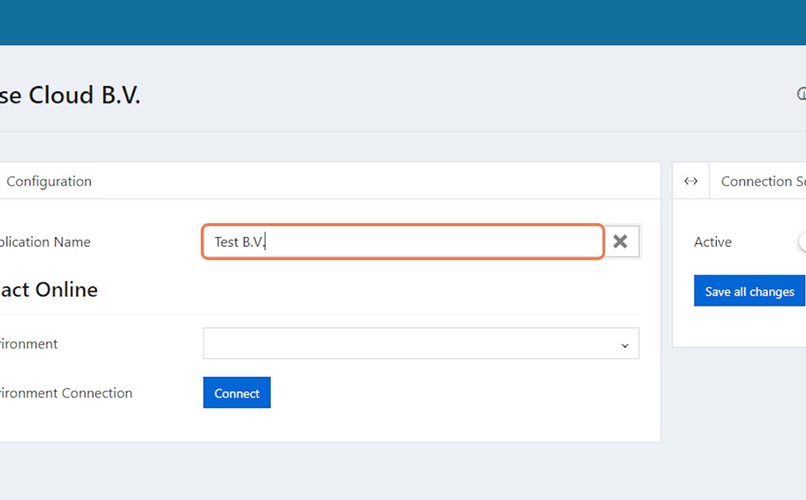
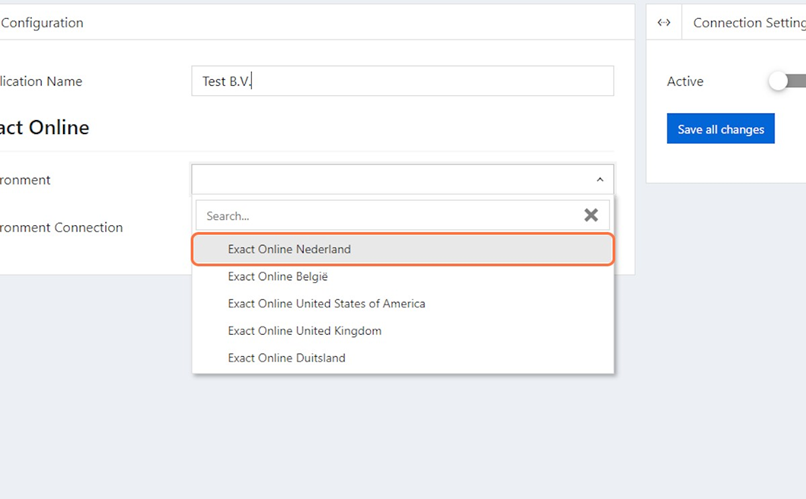
- Then choose your Exact Online environment
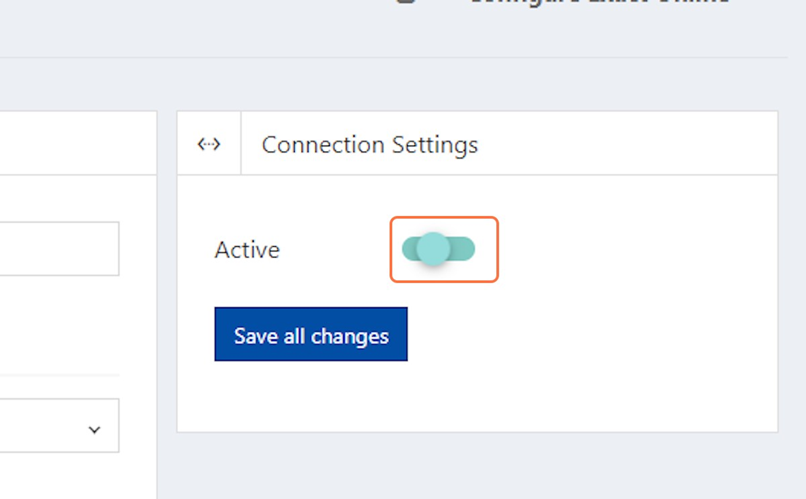
- Make sure “Connection Setting” is set to “Active”
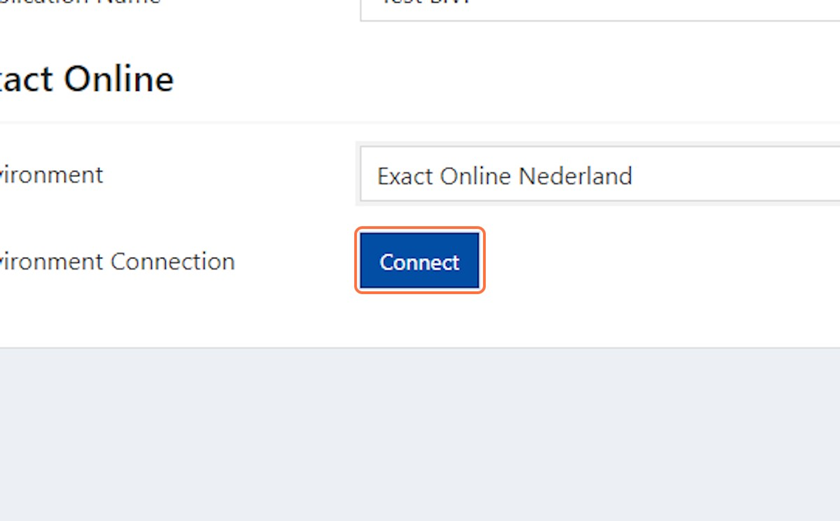
- Then choose “Connect” and you should now log in to Exact Online to connect to it
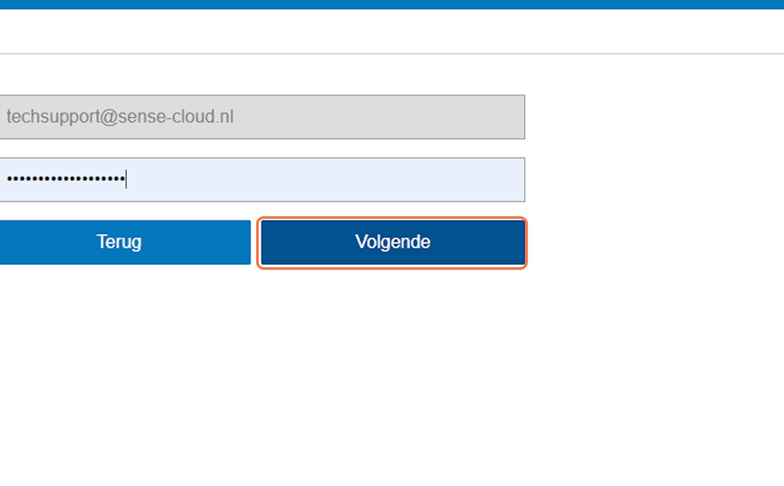
- Then choose “Next” and specify which administrations you want to link
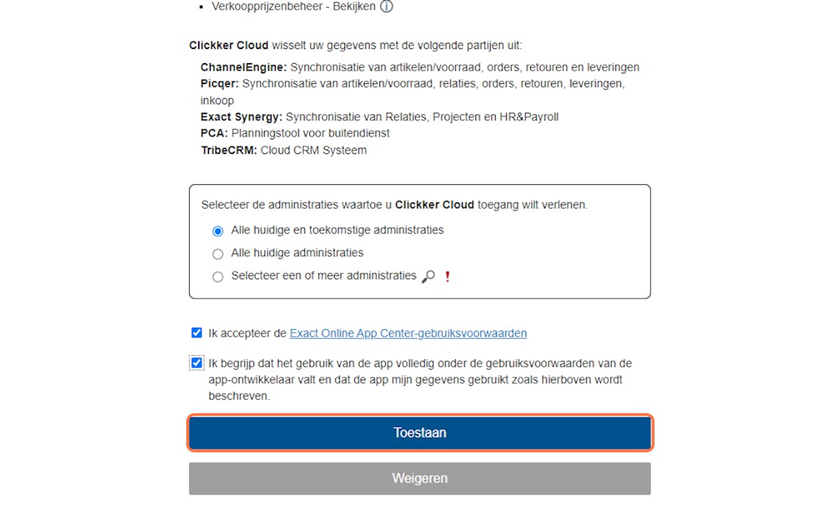
- Also check the checkboxes for accepting the terms of use and use of the data by the app and finally select “Allow”
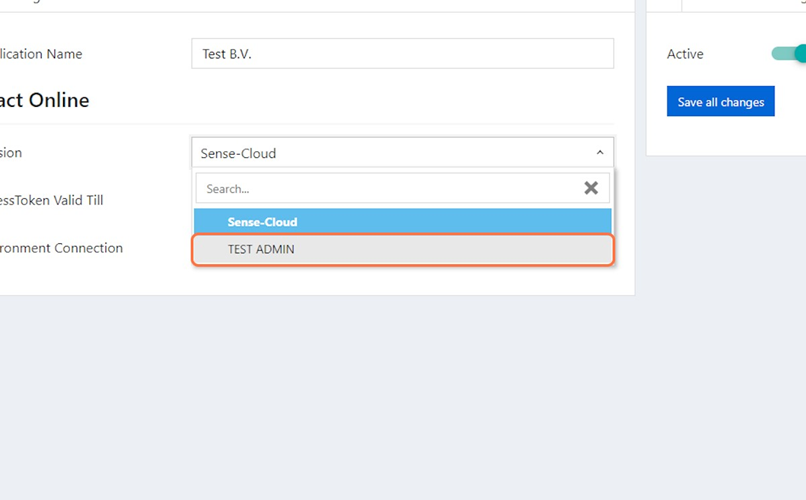
- Select the desired administration and then choose “Save all changes” this looks like this:
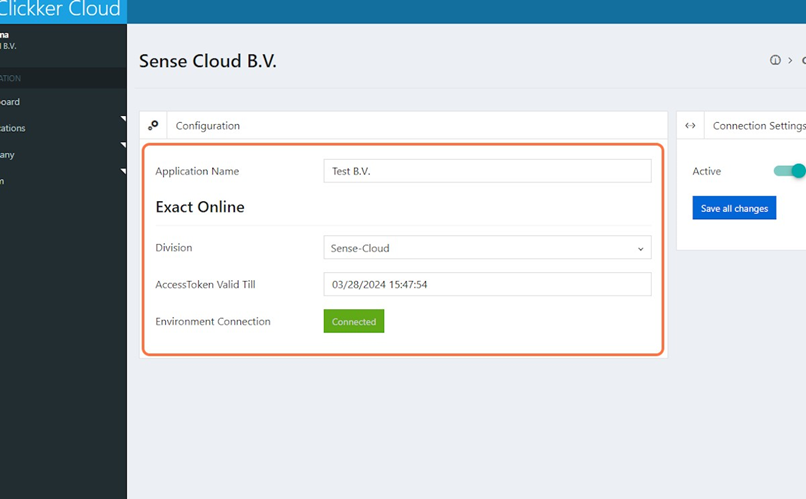
Registration and interfacing with Exact Online is now complete!
You can monitor errors in the future via https://watcher.clickker.nl where you can also log in with your Clickker login details.
IMPORTANT!
In addition, you want to integrate Exact Online with another external web application.
Develop clicker integration by external party:
It may be that an external party will develop this integration. In that case, the continuation of the project will go through this party.
Clickker integration development by Sense Cloud/Clickker:
From this external web application, we would like to receive the necessary data from you to connect to this web application.
How this works depends heavily on the web application to be linked and you can check with the support department or your account manager of you external web application for them to provide the data for this.
We need this data to be able to develop the integration!
This may include the following data:
- Login details of a user with appropriate rights for connectivity via API
- Token and/or API key for connectivity via API
 English (UK)
  Nederlands
  Français
  Deutsch
  Español
  Polski